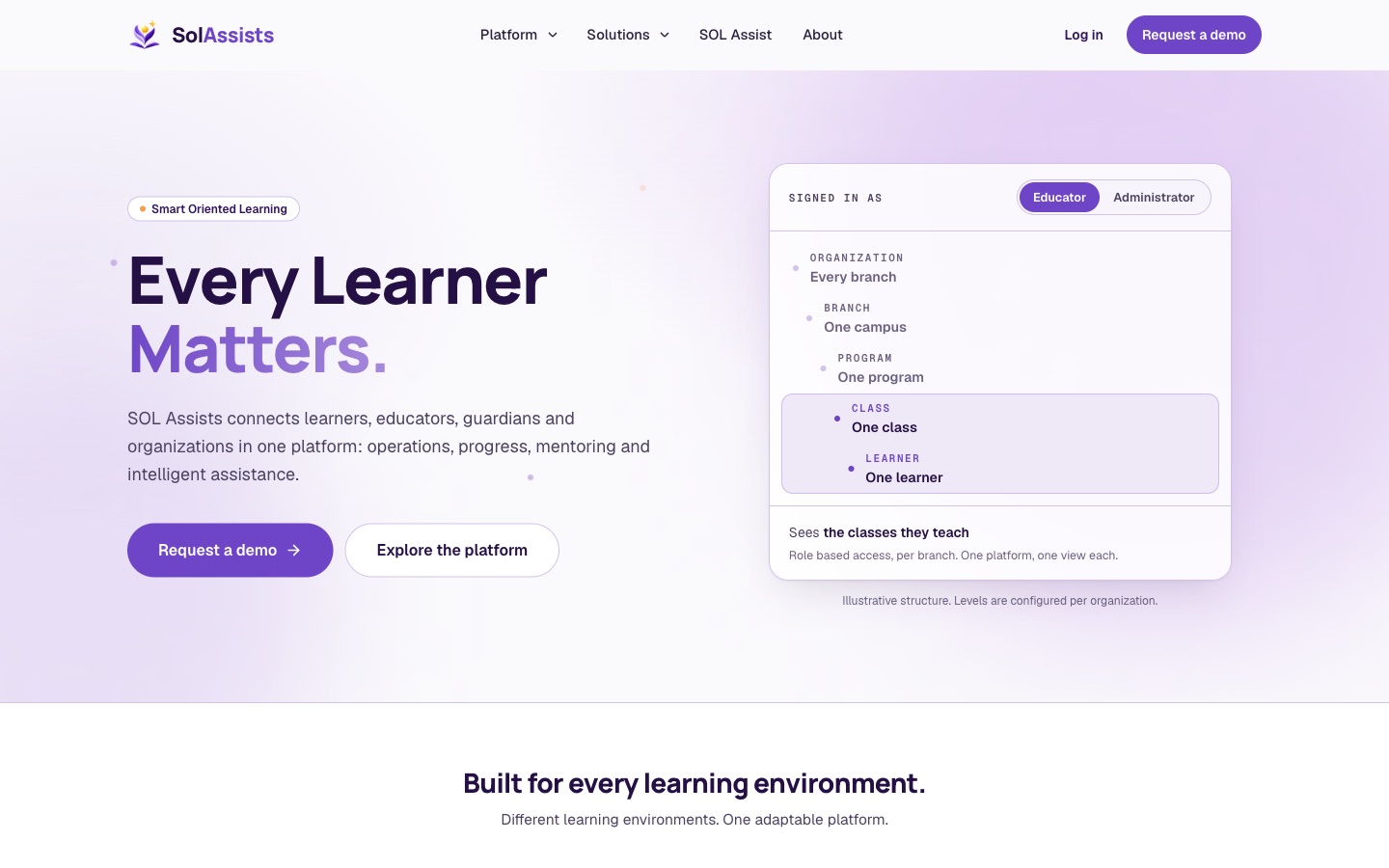
The public site. The organisation tree and per-role access it shows are what the rest of the product is built on.solassists.com · Sep 2026
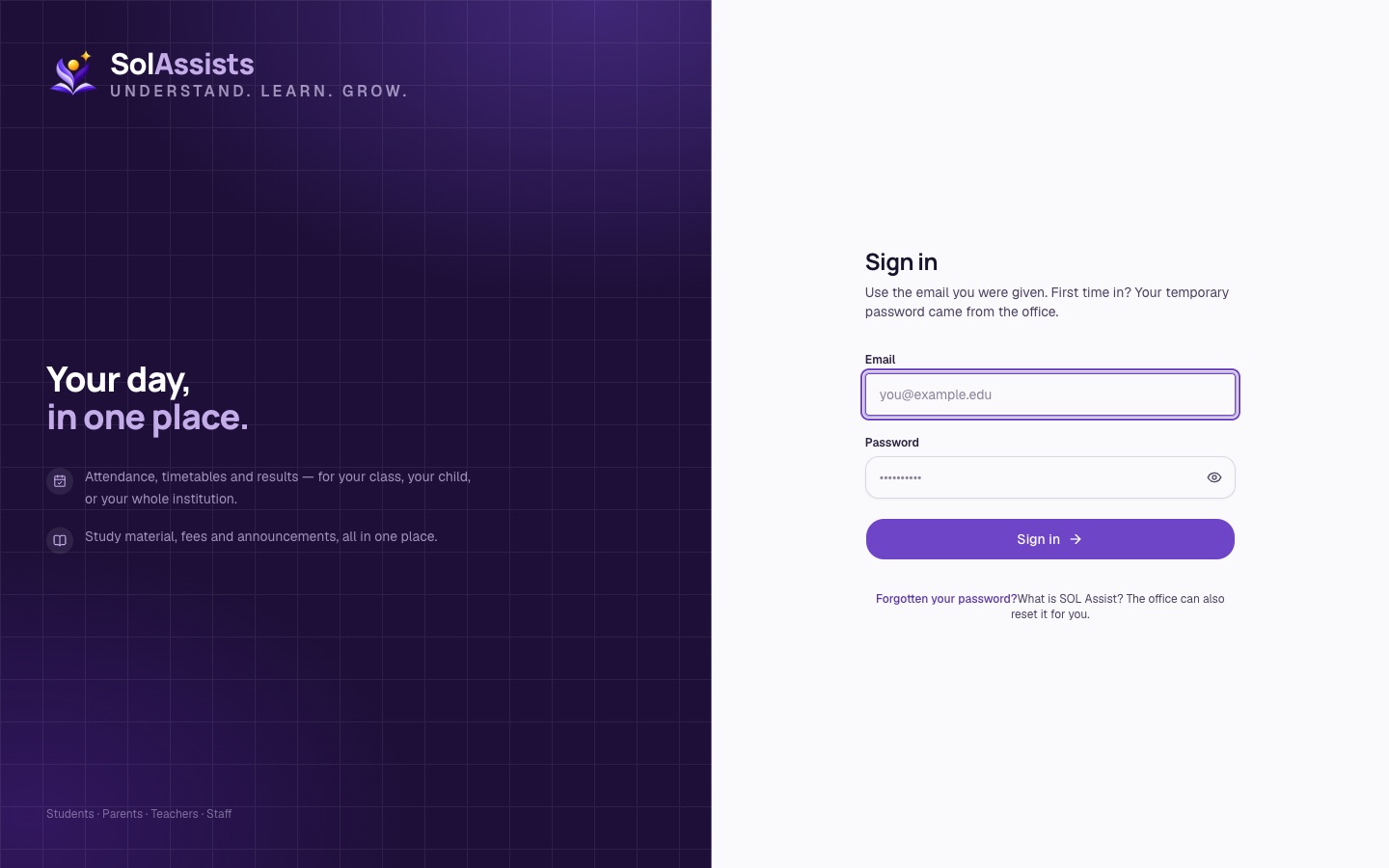
One sign-in for office staff, teachers, students and guardians. What you get after it depends on who you are.app.solassists.com · Sep 2026
WHY IT EXISTS
One app for the office, the teachers, the students and the parents.
Most schools I looked at were running on a mix of spreadsheets, a parent portal from one vendor and a teacher app from another. The same fee total would show up differently in two places. I wanted one product where the office, teachers, students and guardians all see the same data, and where what you can see and do depends on who you are, not on which app you happened to open.
What I did
I lead the engineering on this: the overall architecture, the backend, the institution app, the admin console, the realtime service, deployment and monitoring. There is a second contributor on the codebase, so I say lead rather than sole.
6services behind one app
72data models
246API routes across 24 modules
~1,180automated tests
PROJECT OVERVIEW
How it fits together.
The product, in five steps.
01Set up the institution
02Sign in as your role
03Run the day
04Keep everyone informed
05See the reports
WHAT I FOCUSED ON
01
Four kinds of user, one codebase
A teacher and a student both open “My Schedule” and get the same page, framed differently. The server decides what each person is allowed to see and the screen just follows. I would rather carry that permission logic on every screen than maintain four apps that slowly disagree with each other.
02
It has to fit a coaching centre and a university
Institutions are modelled as a tree with configurable levels, so a two-level tuition class and a five-level university live in the same schema. Even the vocabulary changes per institution: class, batch or cohort, whichever they actually say.
03
Built around the daily grind, not the demo
Admissions, timetables with clash detection, attendance from face-recognition devices, fees, exams, leave and approvals. The boring parts are where a school spends its day, so that is where most of the work went.
TRY IT
See how the workspace changes with the role
Made-up institution, not the real product. Just a feel for how each person gets a different starting point.
01Pick a role
02Open the teacher workspace
03Get on with the day
WHAT THEY LAND ON
Classes and schedules
Same app, same data. What you see first depends on what you are there to do.
Live at solassists.com and still growing. Online payments and cross-year report cards are designed but not shipped yet, so I don’t list them as features.
Numbers on this page are as of September 2026.
INTERESTED?
Want to see it running?
Happy to walk you through the live product, show how it is put together, and talk about whether something similar would fit what you are building.
Request a demoOpens your email client · ypraveen760@gmail.com